
Digital menu boards for restaurants, cafés and QSRs
Update prices, dishes and offers on every menu screen from one dashboard, and let the schedule switch menus for you.
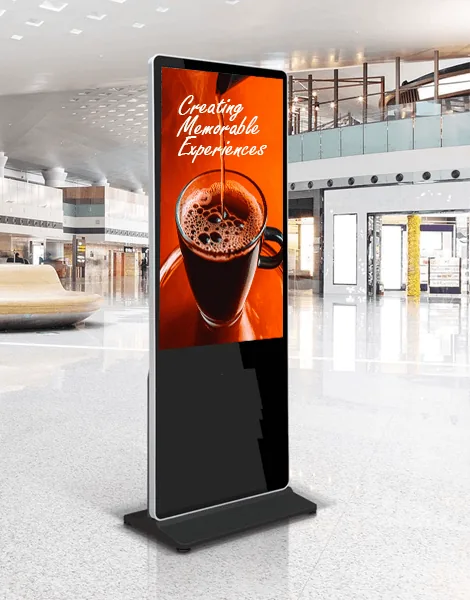
What is a digital menu board?
A digital menu board is a screen that shows your menu, prices, combos and food photos in place of a printed board or backlit panel. Because the menu lives in software, a price change or a sold out dish is an edit, not a reprint.
ÖSEL Signage runs digital menu boards for a single café or a chain of outlets. Each screen plays content through a media player, and you manage every menu, in every branch, from the same web dashboard.
What restaurants get from digital menu boards
Change prices without reprinting
Edit a price, remove a dish or add a special from the dashboard. Live content update puts the change on the counter screen right away.
Breakfast, lunch and dinner on a timer
Advanced scheduling switches menus at the times you set, so breakfast comes off and lunch goes up without anyone touching a screen.
Same menu in every outlet
Group screens by city or outlet and schedule a menu to the group. Or give one branch its own layout for a local special.
Menu and promo on one screen
Split the screen into zones: the menu in one, a promo video in another, a clock or the weather in a third.
Templates to start from
Begin with a predefined template and customise the zones and placeholders, or build your own with the layout designer.
Only approved menus go live
Content authorization holds new menus as drafts until they are approved, which keeps franchise outlets on brand and prices correct.
How to set up a digital menu board
- Mount the screens above or beside the counter and connect each one to a media player such as the ÖSEL G50 or G51.
- Add the screens to ÖSEL Signage and group them by outlet or city.
- Build the menu from a template or the layout designer, with zones for items, prices and a promo.
- Schedule each menu by time of day, submit it for approval and publish.
Digital menu board design tips
- Lead with your best sellers. Put the items you most want to sell at eye level and give them a photo.
- Keep each screen short. A menu board is read from a queue, so fewer items in a larger font beats a full menu in small type.
- Choose portrait or landscape on purpose. Portrait suits tall single items and combos; landscape suits a full category list. The ÖSEL G50 and G51 rotate output to 0, 90, 180 or 270 degrees.
- Move one thing, not everything. A single video zone for a promo draws the eye; a whole screen of motion makes prices hard to read.
- Save what works as a template. Once a layout is right, save it under My Templates and reuse it in every outlet.
Where digital menu boards are used
- Quick service restaurants and fast food counters
- Cafés and coffee chains
- Food courts in malls and airports
- Hotel restaurants and buffets
- Cinema concession counters
- Office canteens, alongside corporate digital signage
Digital menu board: frequently asked questions

Try ÖSEL Signage free on 5 screens for 30 days
Use your own hardware. Instant access, no commitment.
Start free trial Book a demo