
Digital signage for schools, colleges and universities
Reach students, staff and parents across the campus with screens you update from one dashboard.
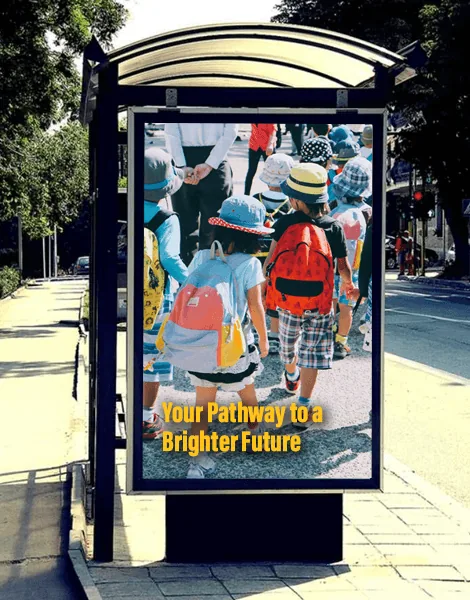
Campus communication on screen
Students walk past screens more often than they read email. Digital signage for schools puts announcements, timetables, events and achievements in corridors, entrances, libraries, hostels and canteens, where everyone sees them.
ÖSEL Signage gives a school, college or university one web dashboard for every screen on every campus, with approval built in so only official content goes up.
What schools and colleges use it for
Announcements and circulars
Publish a circular once and it appears on the screens you choose, from a single block to every campus.
Timetables and exam schedules
Schedule exam timetables for the dates they matter, without anyone remembering to put them up.
Events and achievements
Promote fests, sports days and admissions open days, and celebrate results and awards.
Emergency alerts and drills
An emergency schedule takes over the screens for fire drills, evacuations or severe weather, then normal content returns.
Approval before publishing
Department content is saved as a draft and approved by an admin before it can be scheduled.
Campus hierarchy
Organise screens as university, campus, block and floor, with parent and child groups.
Replace the paper notice board
Most campuses start with notices. A digital notice board replaces the pin board outside the principal's office, the staff room and each department, and ends the problem of expired notices staying up for weeks.
Where to put screens on campus
- Main gate and reception: welcome messages, visitor information and admissions dates.
- Corridors and blocks: department notices and timetables.
- Library: timings, new arrivals and rules.
- Canteen and hostel: menus, mess timings and events, using a digital menu board layout.
- Auditoriums and sports grounds: event schedules.
Digital signage for education: frequently asked questions

Try ÖSEL Signage free on 5 screens for 30 days
Use your own hardware. Instant access, no commitment.
Start free trial Book a demo